
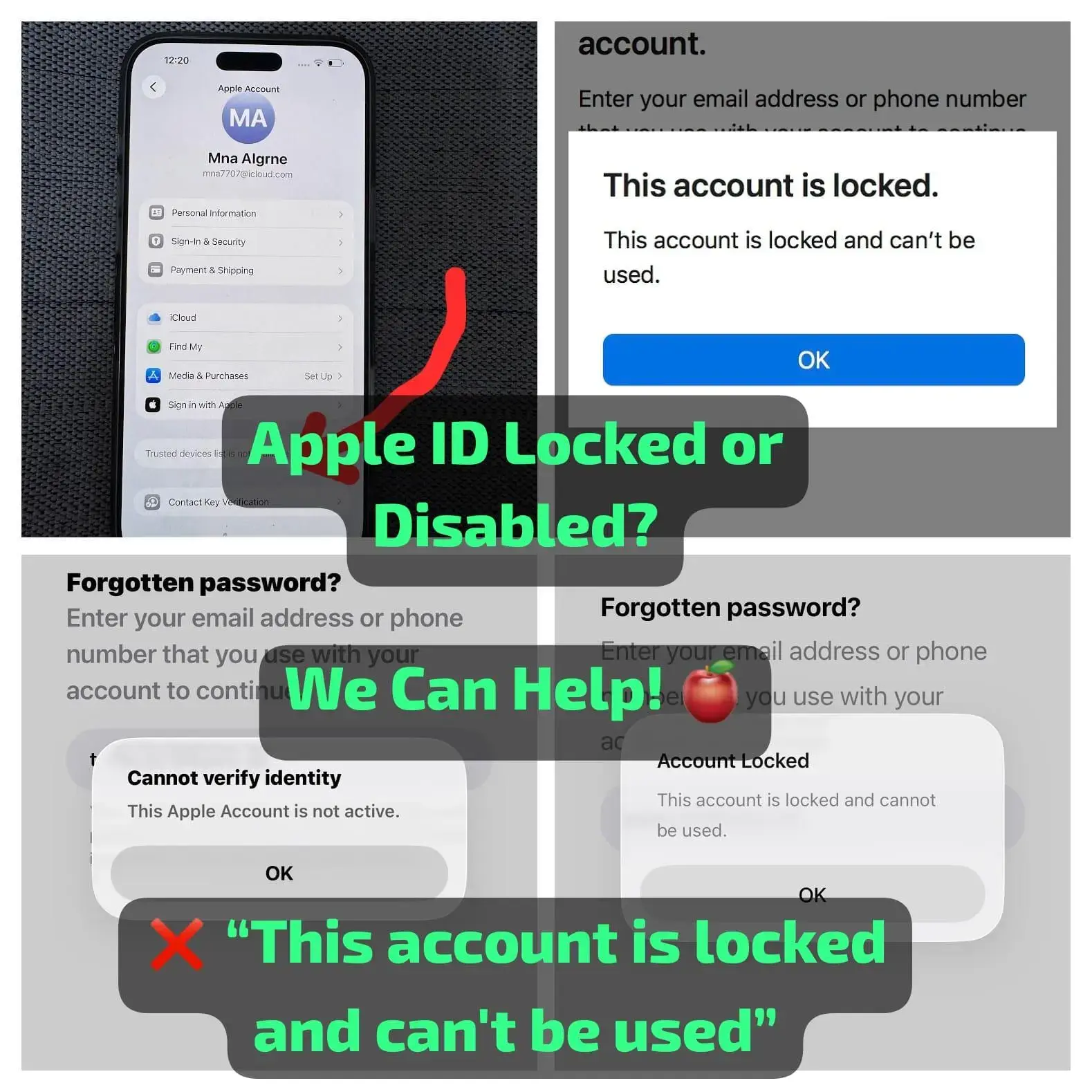
#006 Apple ID Unlock (This Account Is Locked) | iPhone 15 Pro, 15 Pro Max, 17, 17 Air
Regain access to your Apple ID with our professional Apple ID Unlock service. This service is designed for supported Apple devices experiencing Apple Account Locked, Apple Account Not Active, or Verification Failed errors that prevent you from signing in, signing out, or resetting your password.
Use This Service If You See Any of These Errors
- ❌ "This account is locked and can't be used."
- ⚠️ "This Apple Account is not active."
- ❓ "Verification Failed – Unknown error occurred."
- 🌐 iforgot.apple.com is unable to reset your password or is not working for your account.
Supported Devices
- iPhone 15 Pro
- iPhone 15 Pro Max
- iPhone 17
- iPhone 17 Air
Service Features
- Professional Apple ID recovery assistance
- Supports eligible locked or disabled Apple ID accounts
- Fixes supported Apple ID account lock issues
- Secure and reliable processing
- No technical knowledge required
Important Notes
- This service is intended only for the legitimate owner of the Apple ID and device.
- Processing time may vary depending on the account status and verification requirements.
- Unsupported devices or incomplete information may result in delays or order cancellation.
Requirements & Submission Guide
To process your request, please provide the following information:
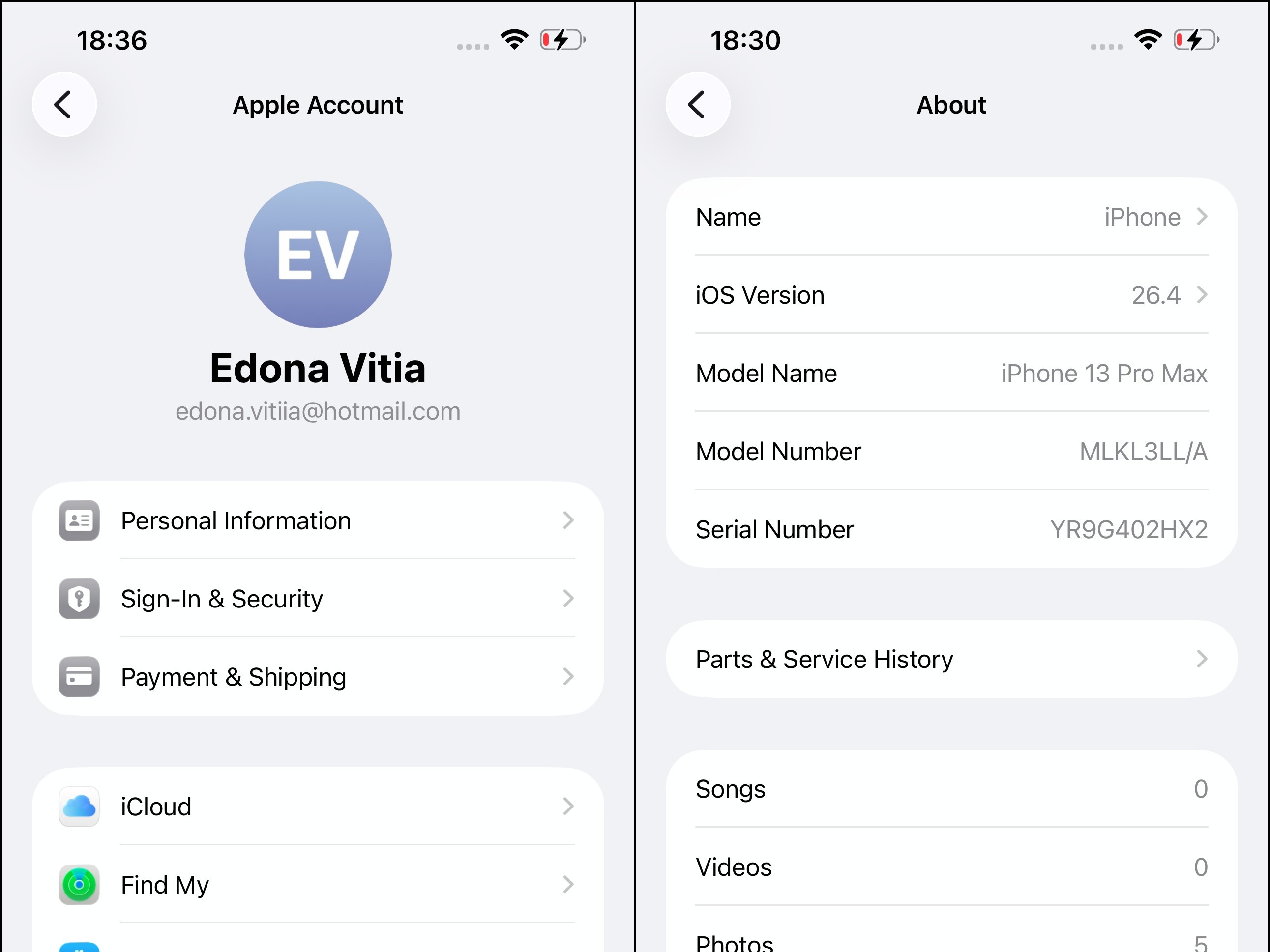
1. Apple ID Screen Screenshot
- Open Settings.
- Tap your name (Apple ID) at the top of the screen.
- Take a screenshot showing your Apple ID information.
2. About / Serial Number (S/N) Screen Screenshot
- Go to Settings → General → About.
- Take a screenshot showing the device details, including the Serial Number (S/N).
3. Linked Phone Number
Provide the phone number currently associated with the Apple ID or the device.
How to Submit
- Upload both screenshots to imgbb.com.
- Copy the image URLs.
- Paste the image links along with the linked phone number when placing your order.
Reference Example
-
#008 Apple ID Unlock (This Account Is Locked) | iPhone 17 Pro, iPhone 17 Pro Max
3 - 7 Days -
#011 USA AT&T Status Checker + Auto Unlock (Eligible Devices) Server 1 | No Refund
1-72 Hours -
#085 iPhone Carrier checker / Sim Lock Status / Purcahse Date & FMI Status ON / OFF & Clean / Lost by IMEI / SN ( INSTANT) ✅
Instant -
#030 USA Cricket Unlock – iPhone & Android | Clean & Active 6 Months Old
1-5 days